In today’s digital age, mobile devices have become an integral part of our daily lives. From smartphones to tablets, we rely on these devices for communication, entertainment, and productivity. With the rise of remote work and the need for access to files and data on the go, it’s essential to have a seamless solution for managing and syncing files across all your devices. This is where Nextcloud comes in.
Nextcloud is a self-hosted open-source file synchronization and sharing platform that allows you to securely store, access, and share your data across all your devices. Whether you’re using an Android or iOS device, Nextcloud provides you with the flexibility and control to manage your files effectively. In this guide, we’ll show you how to use Nextcloud with mobile devices to access your files anytime, anywhere.
Get Nextcloud with 1 TB of storage for just up to €3.99 per month.
Try it now for one month free and risk-free.
Setting up Nextcloud on mobile devices
The first step in using Nextcloud with mobile devices is to set up your Nextcloud server. If you don’t already have a Nextcloud server set up, you can easily install one on your own server or use a Nextcloud hosting provider. Once your Nextcloud server is up and running, you can download the Nextcloud app on your mobile device from the Google Play Store or the Apple App Store.
After installing the Nextcloud app on your mobile device, you’ll need to connect it to your Nextcloud server. To do this, open the Nextcloud app and enter the URL of your Nextcloud server, along with your username and password. Once you’ve successfully connected your mobile device to your Nextcloud server, you’ll be able to access all your files and data from your mobile device.
Accessing and managing files on mobile devices
Once you’re connected to your Nextcloud server on your mobile device, you can easily access and manage your files. The Nextcloud app provides you with a user-friendly interface that allows you to browse through your files, upload new files, and create folders. You can also easily share files with others by generating share links or inviting users to collaborate on specific files or folders.
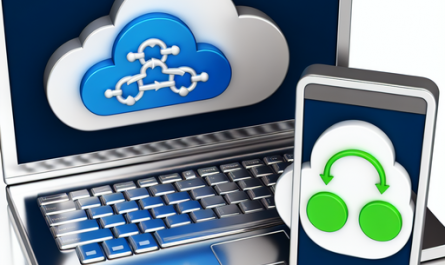
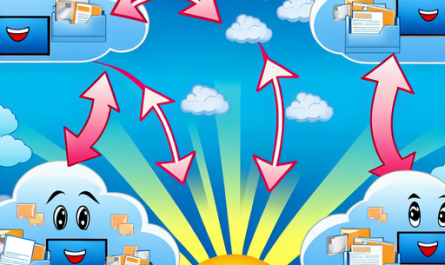
One of the key features of Nextcloud is its seamless file syncing capabilities. Whenever you make changes to a file on your mobile device, those changes are automatically synced to your Nextcloud server and vice versa. This ensures that you always have access to the latest version of your files, no matter which device you’re using.
In addition to file syncing, Nextcloud also provides you with powerful collaboration tools. With features like real-time document editing and commenting, you can easily collaborate with colleagues or friends on projects or documents, directly from your mobile device. This makes Nextcloud an ideal solution for remote teams or individuals who need to work together on shared files.
Securing your data on mobile devices
Security is a top priority when it comes to managing files on mobile devices. With Nextcloud, you can rest assured that your data is secure and protected. Nextcloud offers end-to-end encryption to ensure that your files are always safe, both in transit and at rest. Additionally, you can set up two-factor authentication for an extra layer of security when accessing your Nextcloud server from your mobile device.
Nextcloud also provides you with the ability to remotely wipe your data from a lost or stolen device. This ensures that your sensitive data remains safe, even if your mobile device falls into the wrong hands. By taking advantage of these security features, you can use Nextcloud with peace of mind, knowing that your data is always secure.
Conclusion
In conclusion, using Nextcloud with mobile devices is a convenient and secure way to access and manage your files on the go. With its seamless file syncing, collaboration tools, and security features, Nextcloud provides you with everything you need to stay productive and organized, no matter where you are. Whether you’re using an Android or iOS device, Nextcloud offers a user-friendly experience that makes managing your files a breeze. So why wait? Install Nextcloud on your mobile device today and take control of your data like never before.